
Skip to content

Product tour ​

A look at the console. Everything on this page is fictional demo data for an invented company, Paperkite, on reserved example domains. Nothing here is real traffic.
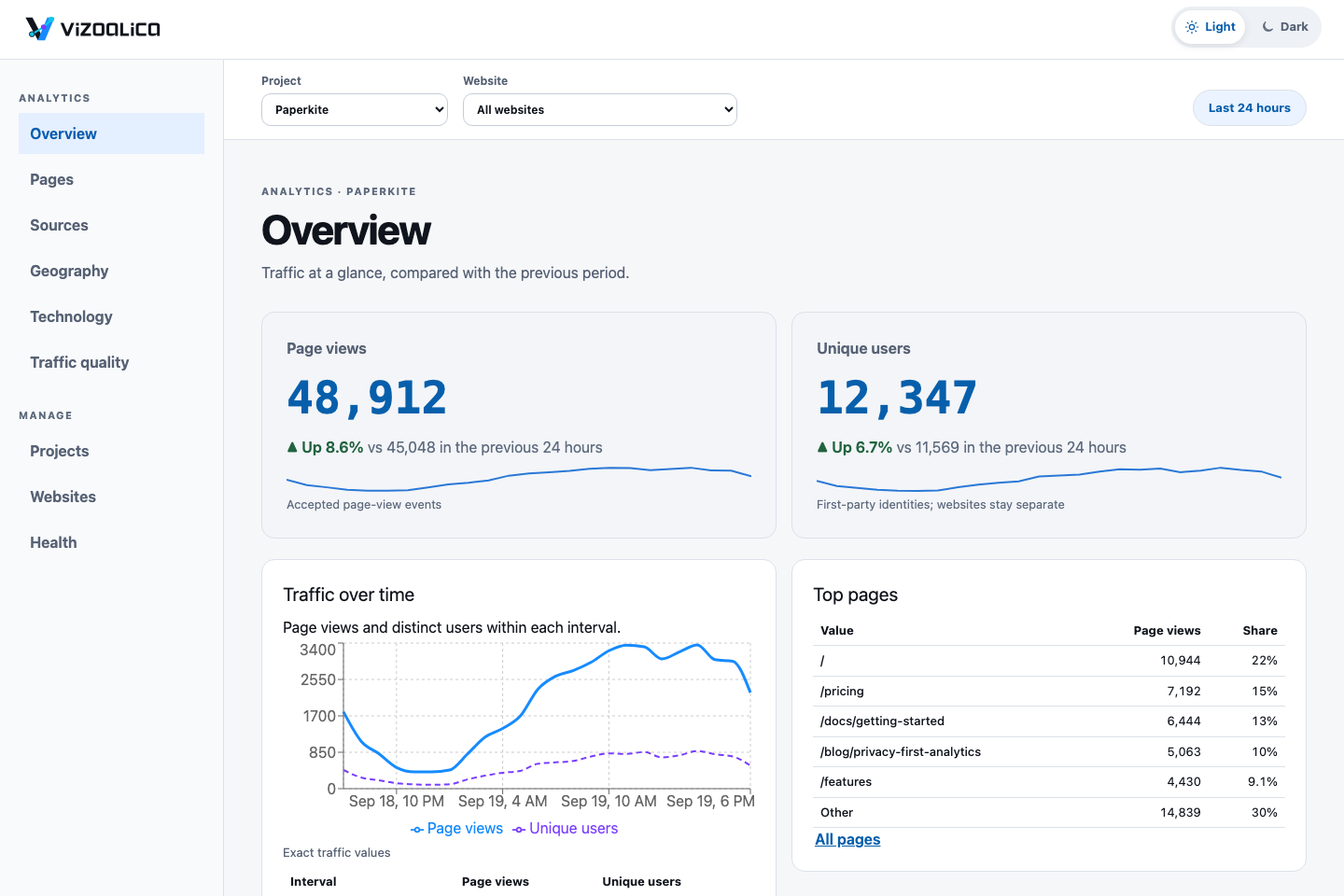
The Overview screen for the fictional company Paperkite: 48,912 page views and 12,347 unique users in the last 24 hours, up 8.6% and 6.7% on the previous period, with a traffic chart and a table of top pages.

Overview. Headline numbers with the change against the previous period, traffic over time, and the top pages, sources, and countries.

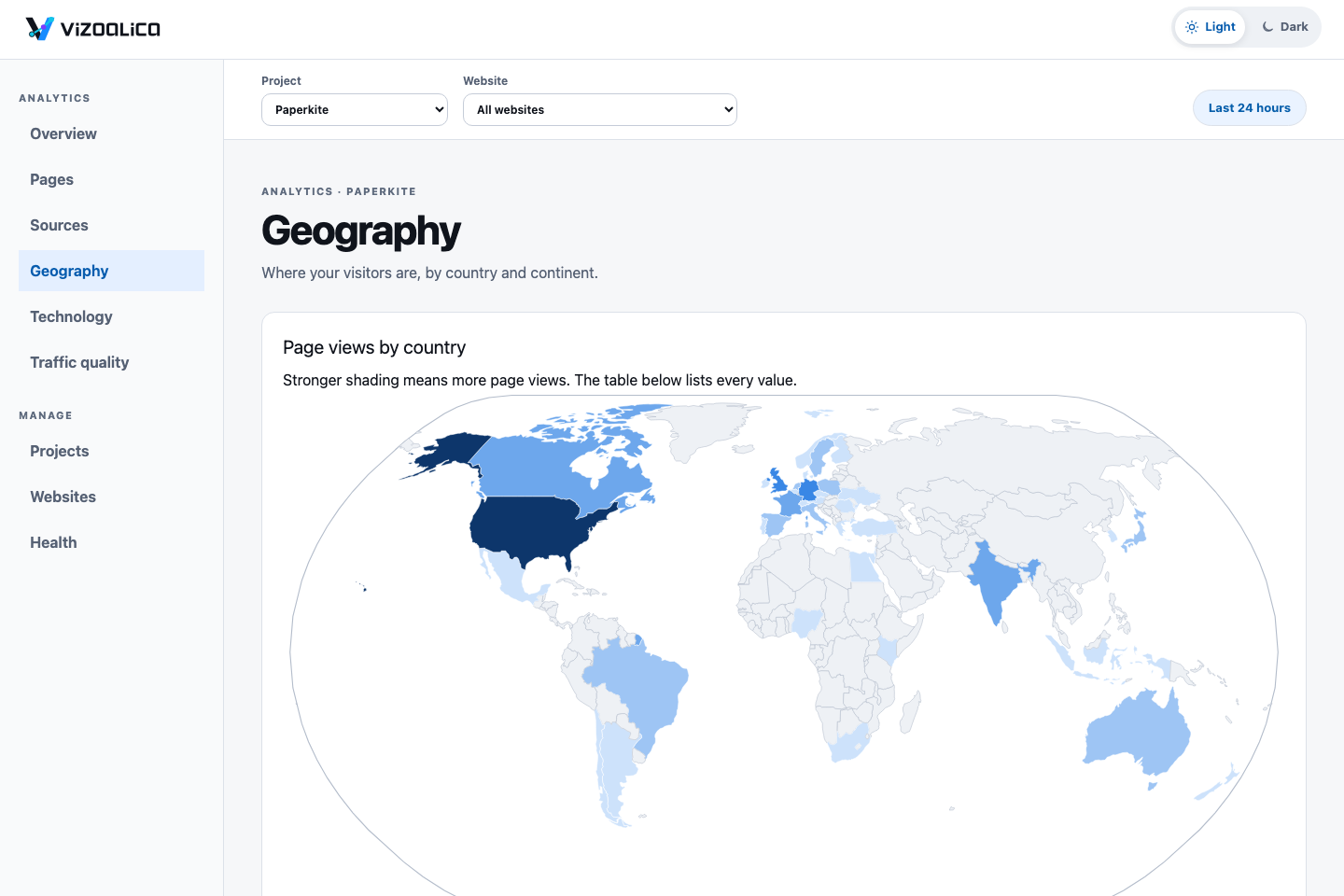
The Geography screen: a world map shaded by page views per country, with the United States darkest, then Germany, the United Kingdom, and France.

Geography. Countries by full name on a world map, a table of every country, and totals by continent. The map ships with the console and makes no network requests. Only country and continent are collected: see the audience attributes review.

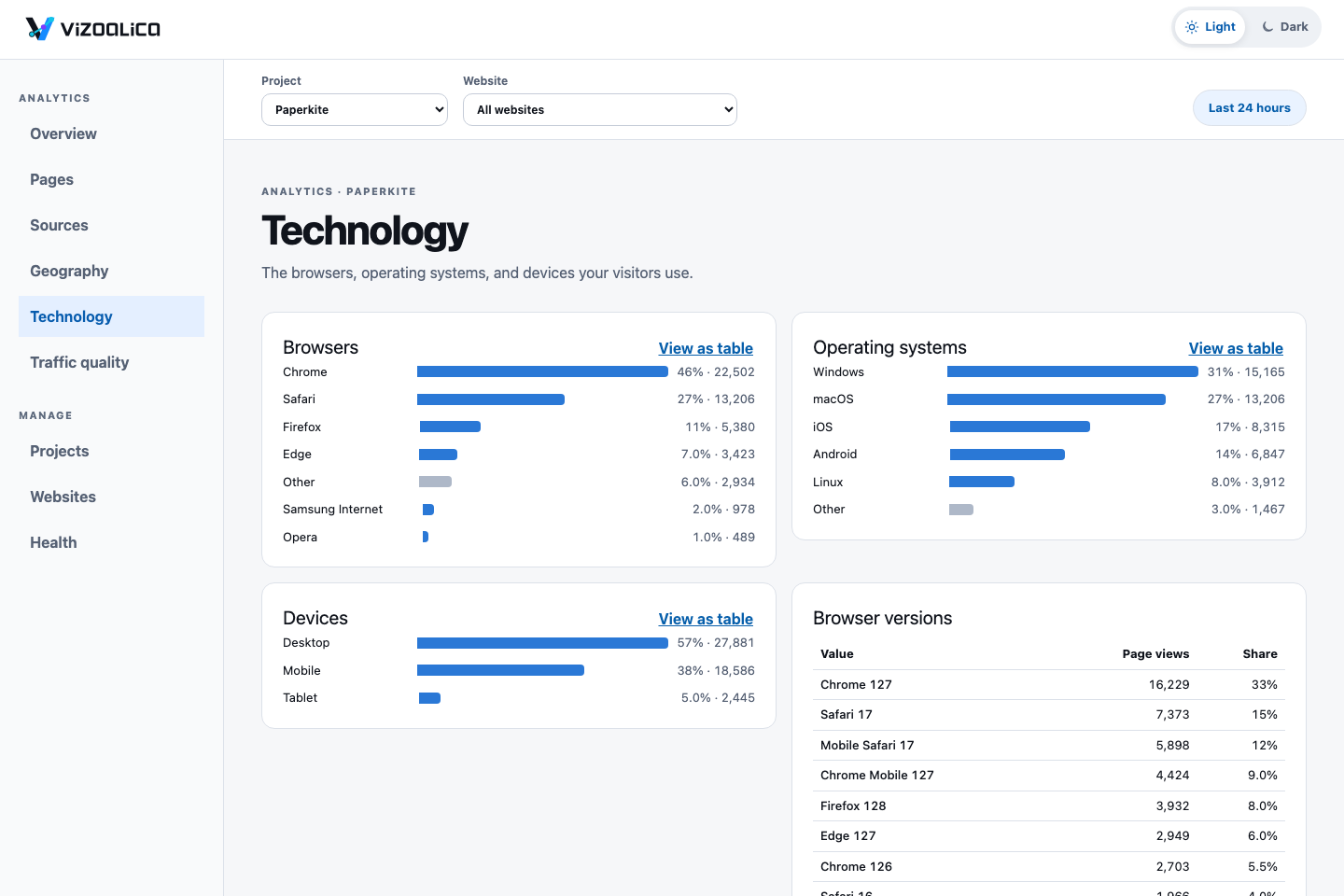
The Technology screen: bar lists of browsers, operating systems, and devices, with Chrome at 46 percent, Windows at 31 percent, and desktop at 57 percent, and a table of browser versions.

Technology. Browsers, operating systems, and devices as readable bars, each with a table view.

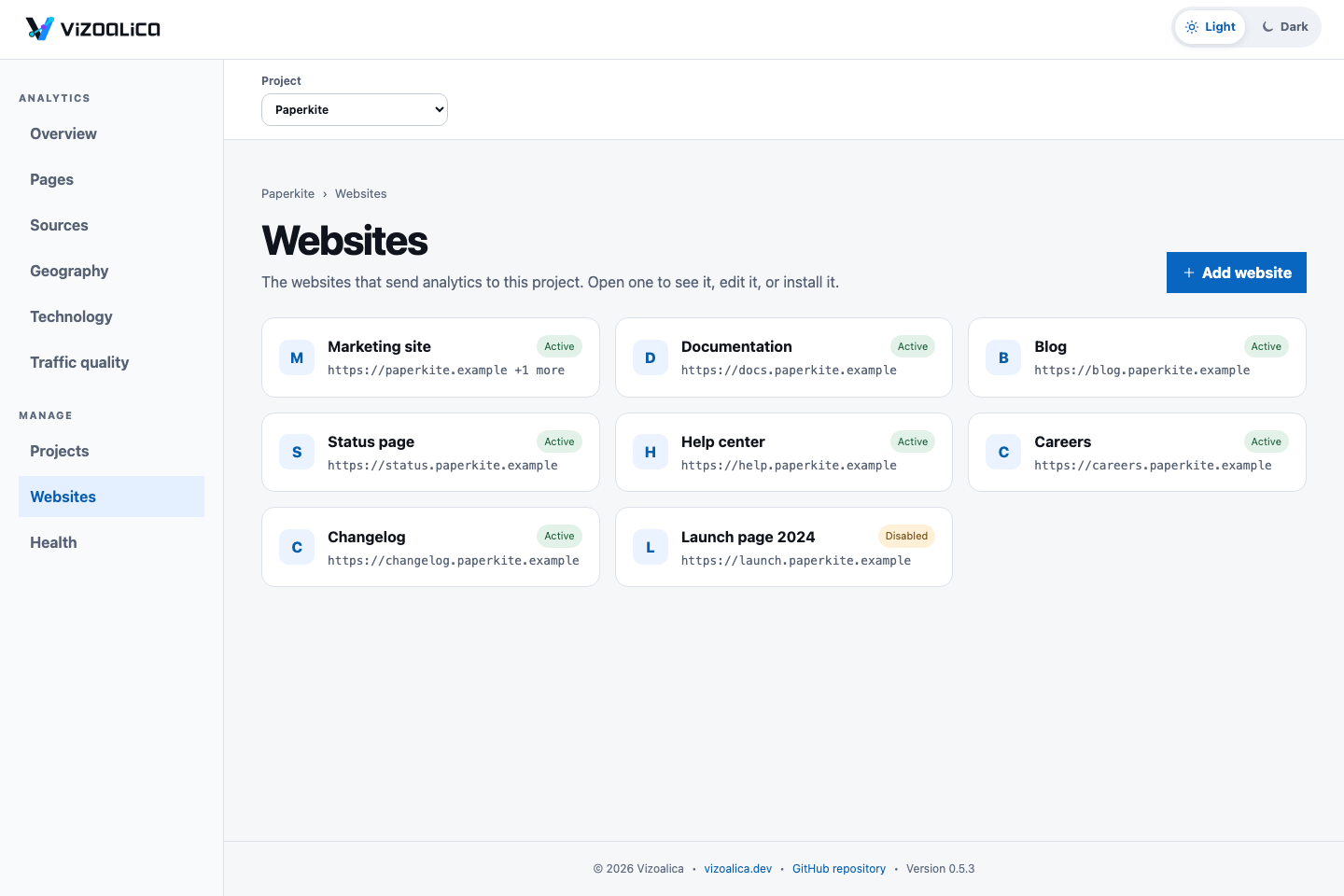
The Websites screen: eight cards, one per website in the Paperkite project, each showing its name, its first origin, and whether it is active or disabled.

Websites. One card per website. Open one for its own page with status, identifiers, and actions; editing and adding are pages of their own.

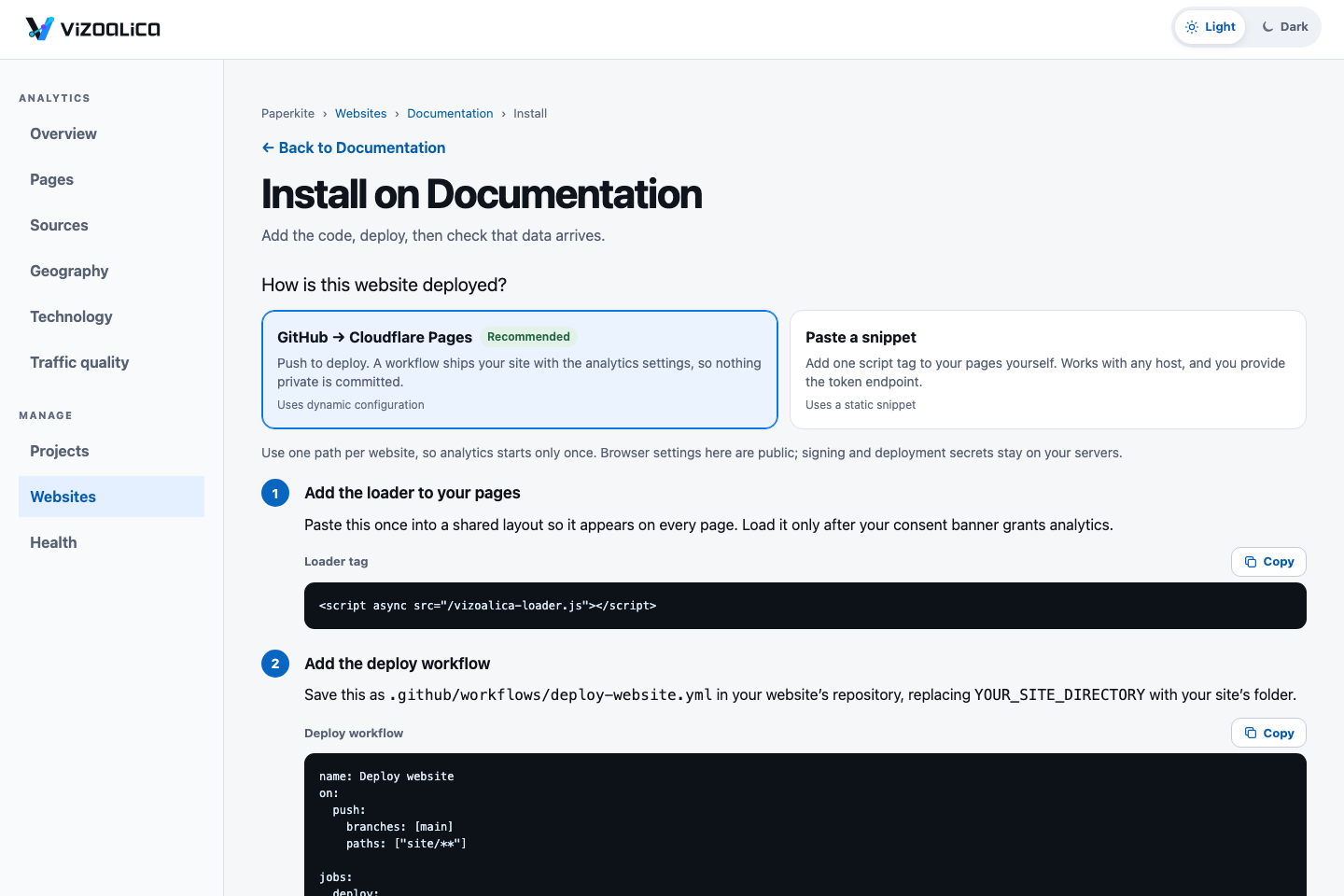
The Install page for a website: a choice between GitHub to Cloudflare Pages, recommended, and pasting a snippet, followed by numbered steps with copyable code.

Install. Say how the website is deployed, then follow numbered steps, each with one action. The last step, Check now, confirms that page views are arriving.

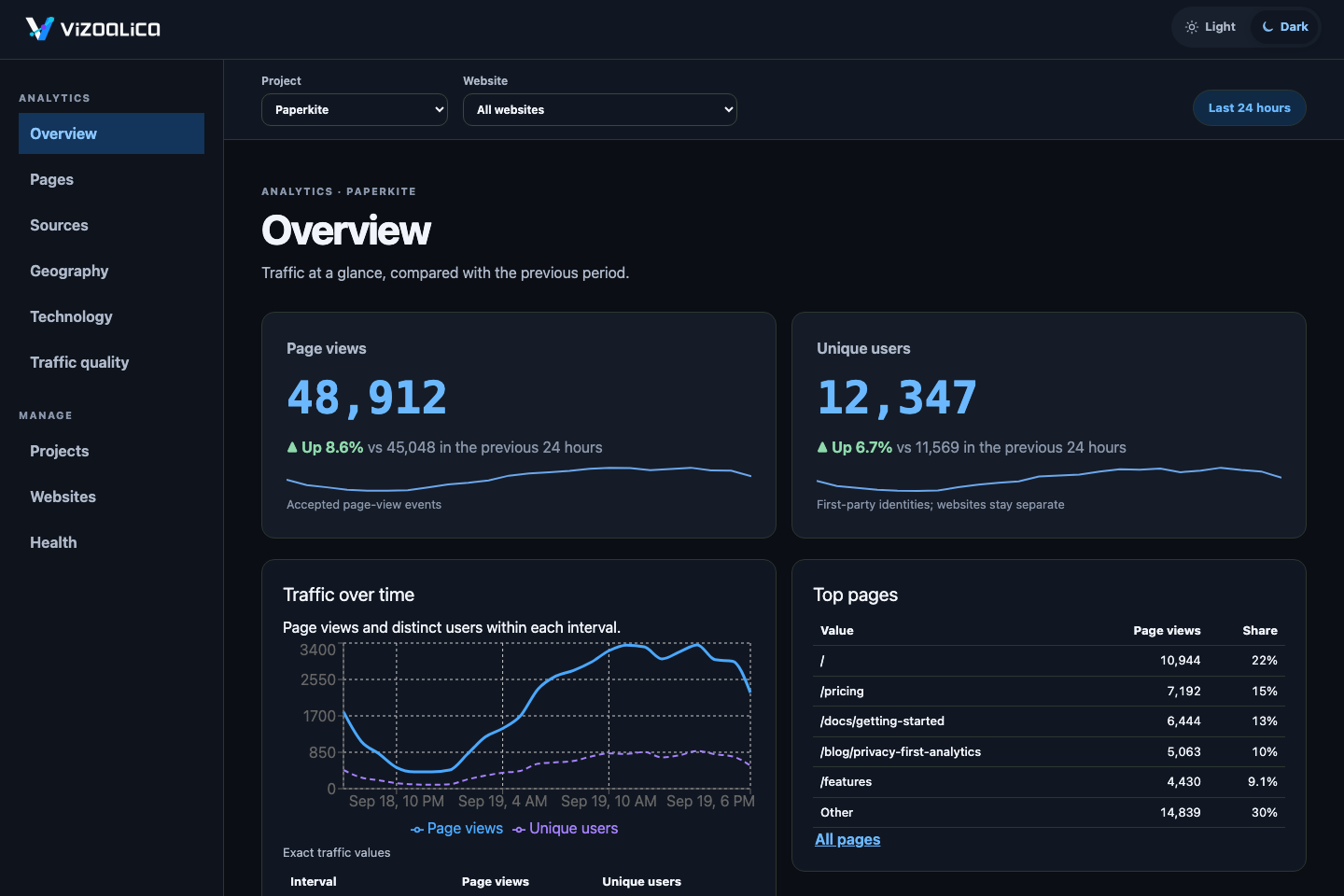
The Overview screen in the dark theme.

Dark theme. Every screen has a dark theme that follows your system or your choice.

The console has two areas: Analytics for reading, where nothing can be changed, and Manage for setup. See start the local operator console.

Ready to try it? Read the quick start.

Released under the MIT License. Visitor data stays in your own Cloudflare account.